Say it in pieces.
Get back one piece of writing.
Unmuss is a voice notebook for thoughts that aren't finished yet. Record on your way to work, add more when something comes back to you, and let AI weave every take into one clear, structured draft.
Download on the App StoreWhy Unmuss?
Capture in One Tap
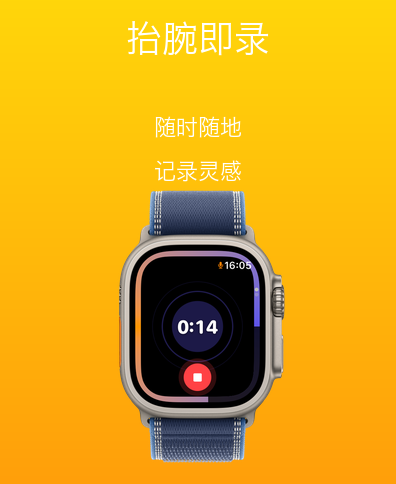
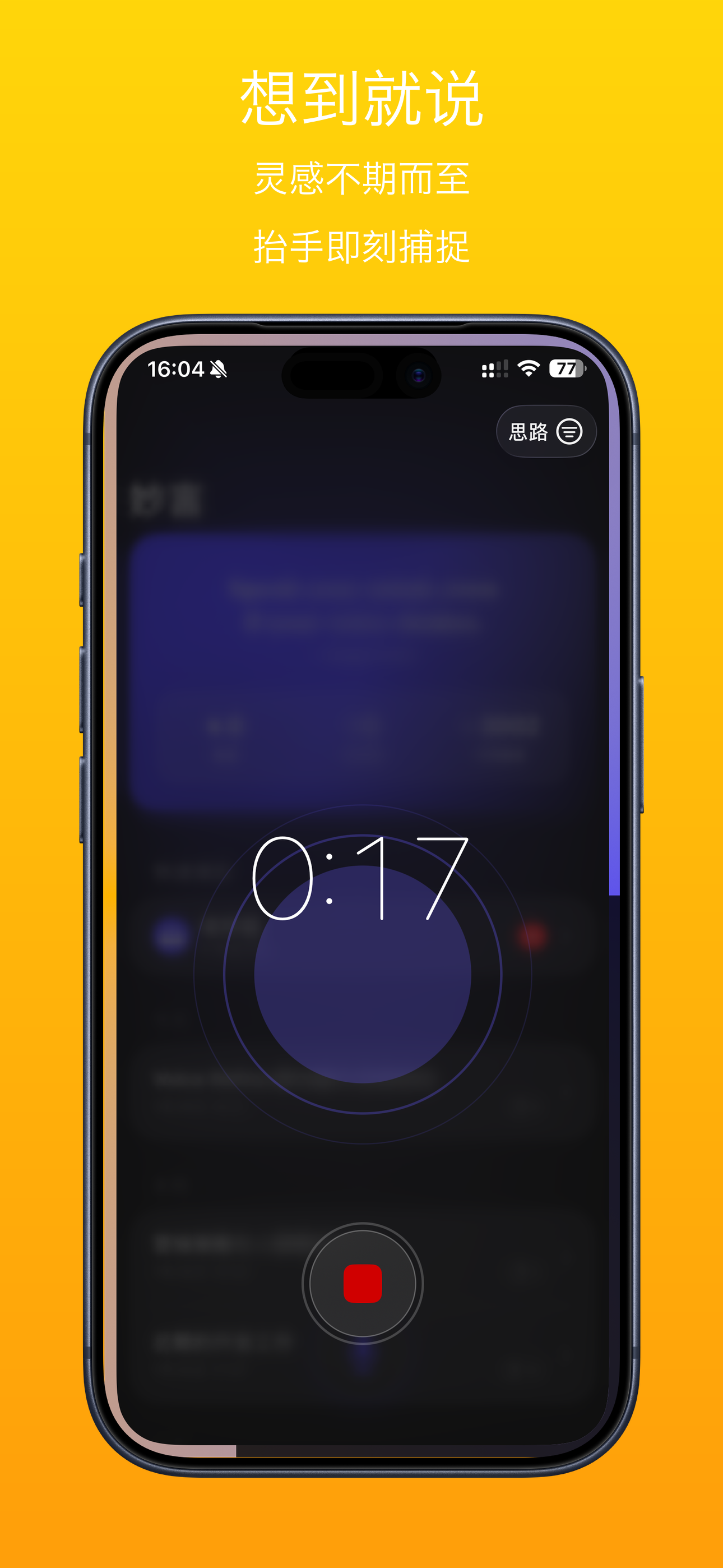
Record from Apple Watch, iPhone, the Home Screen widget, the Action Button, Back Tap, or a Shortcut. A thought has a short shelf life — grab it before it goes.
Hands-Free on the Road
Say “Hey Siri, capture driving note in Unmuss.” Just talk — recording stops on its own two seconds after you finish, so your hands stay on the wheel.
Keep Adding to the Same Idea
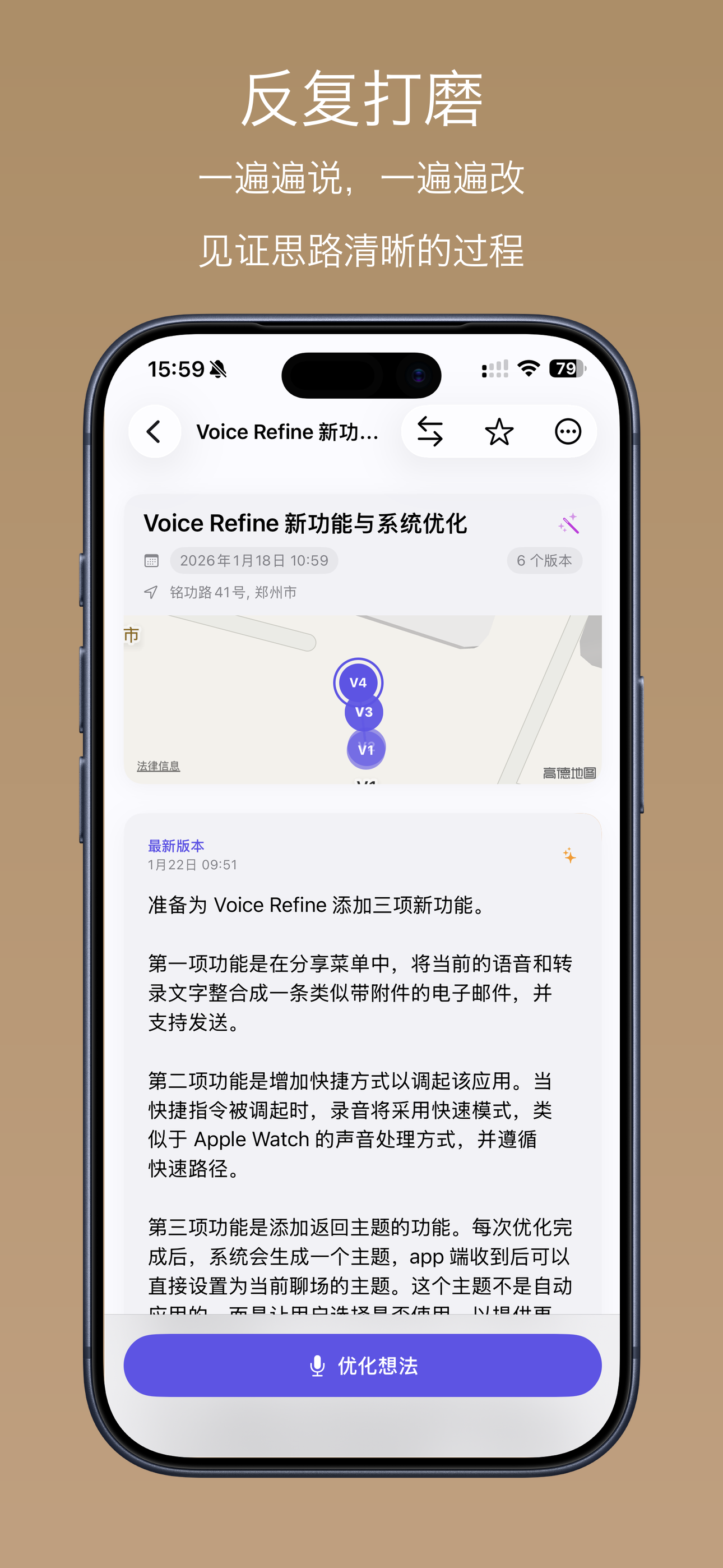
Record the same topic again tomorrow, next week, on the bus. Every take becomes a new version of the same note instead of another orphan file.
Fuse the Fragments
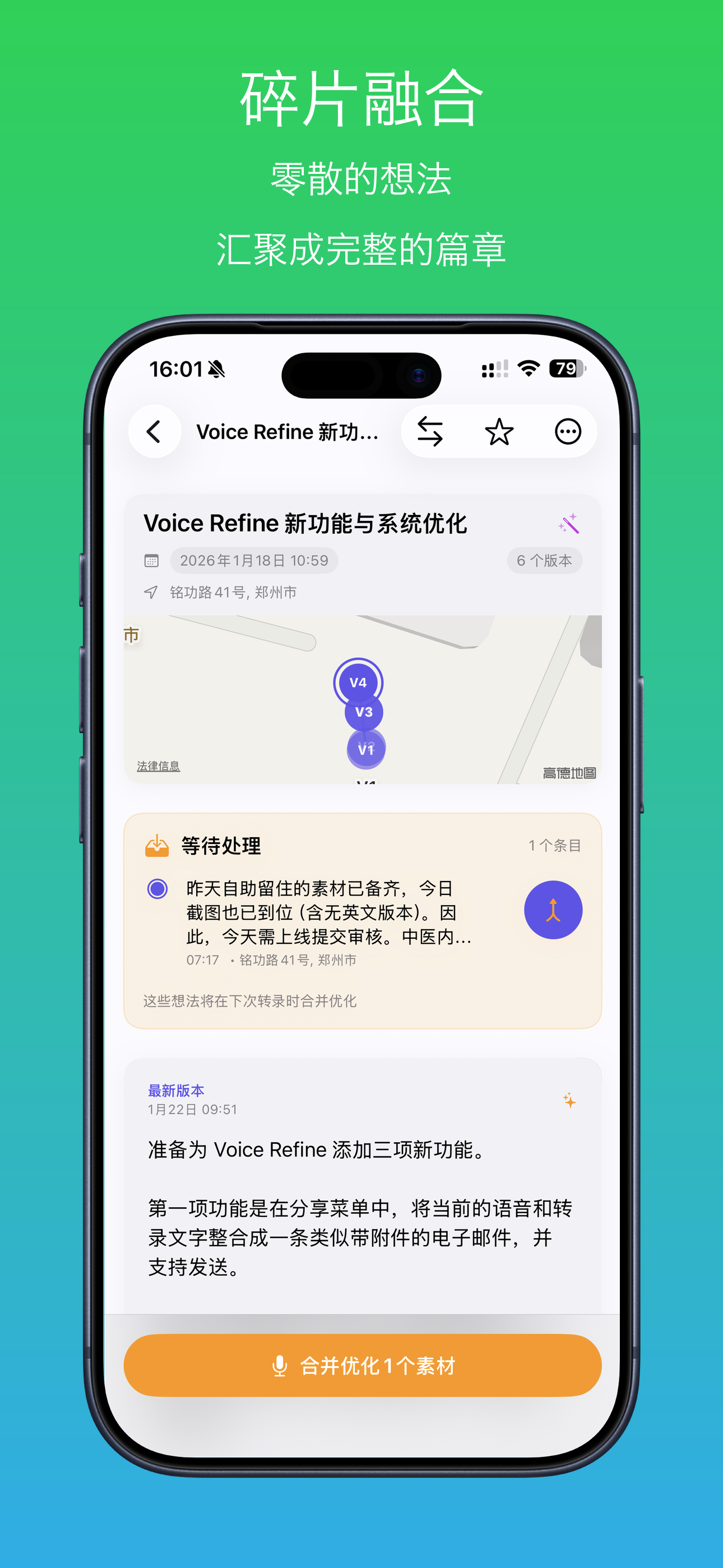
Quick captures land in your Inbox. Pick several of them later and fuse them into one note — the way you actually think, in pieces that belong together.
Rewritten, Never Replaced
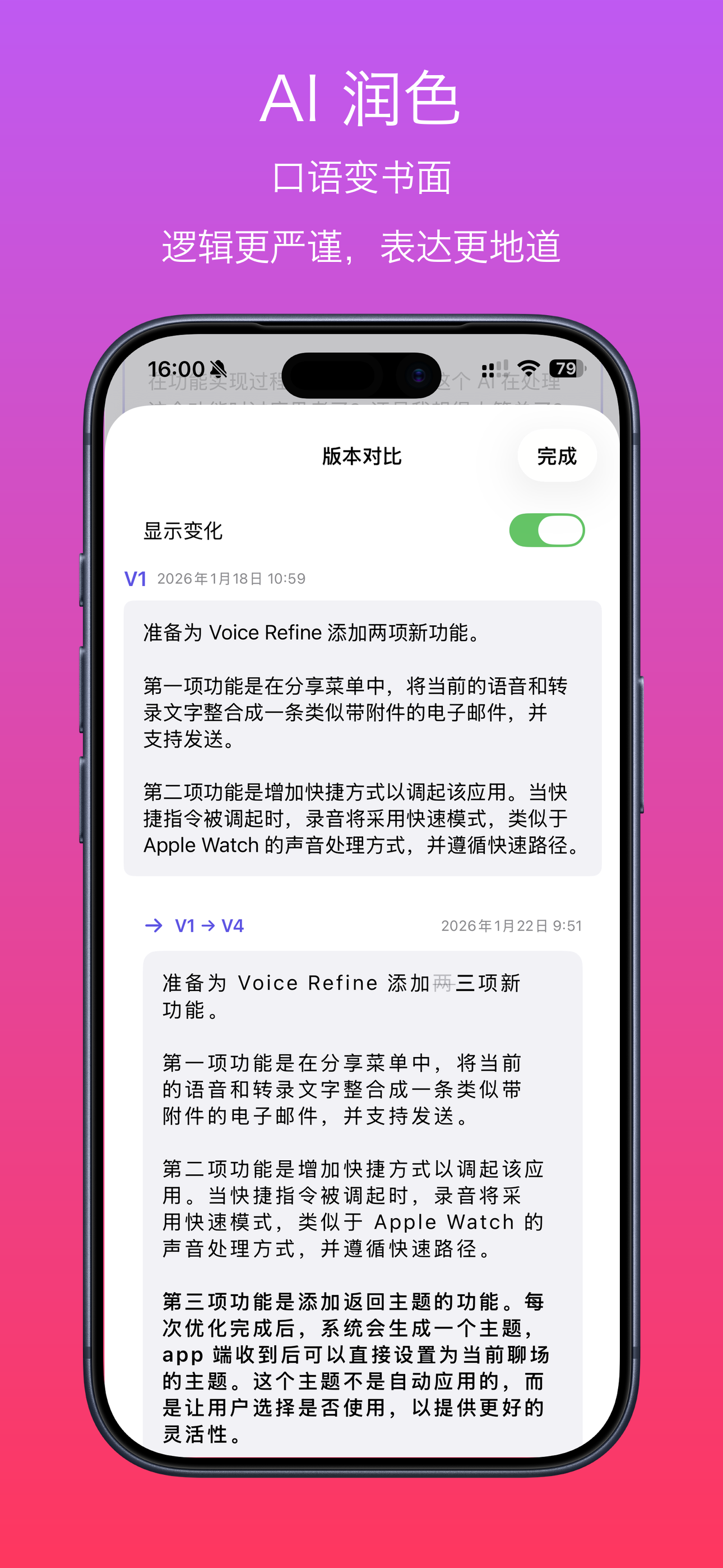
AI turns rambling into readable prose and pulls your history and pending materials together in a Master Recap. Your original words stay put for a before-and-after comparison.
Private by Design
Live transcription runs on your device. When you ask for a rewrite, audio is processed on our server and not kept. Your notes live on your device and in your own iCloud.
How It Works
Record, however it comes out
Tap once on iPhone or Apple Watch, or go hands-free while driving. There is nothing to organize first — half-sentences are welcome.
Unmuss writes it down
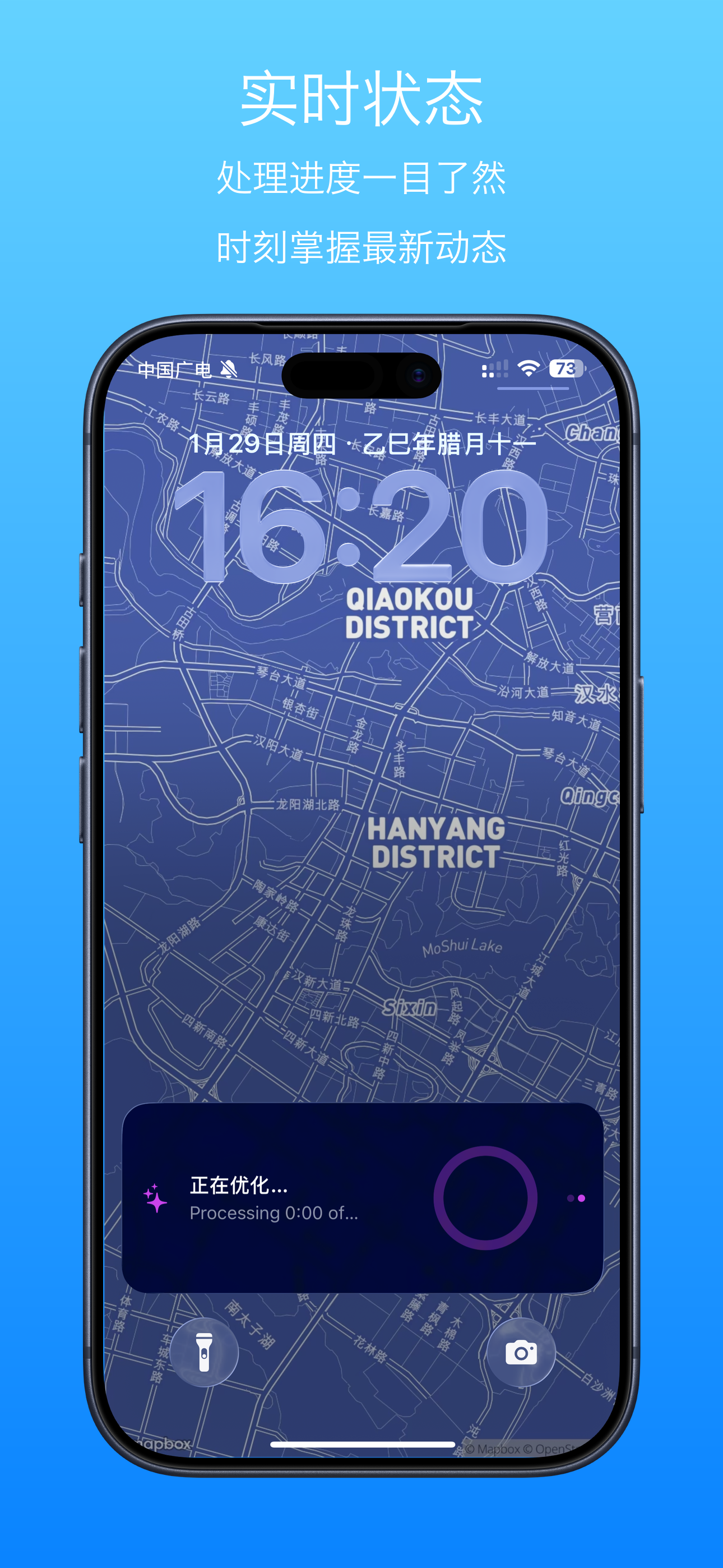
Your speech becomes text as you talk, then AI reorganizes the logic and turns spoken language into clean prose.
Come back and add more
Record the same topic again and the new take builds on the previous one as a new version. Over a week, a mess of fragments becomes a whole argument.
Compare, keep, send
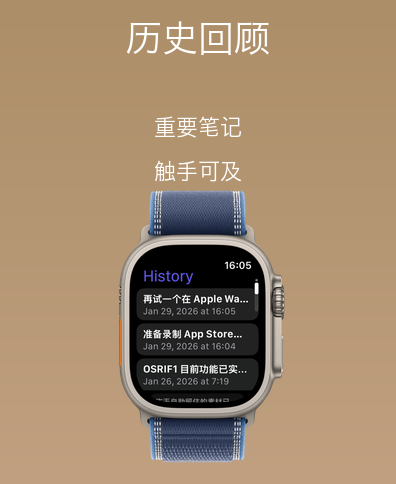
Put versions side by side, revert to the one you liked better, then copy the finished text anywhere it needs to go.
Available On
Speak Your Language
Choose an output language per recording, or let Unmuss follow your system language.
A Look Inside
Who Is Unmuss For?
The Commuter
Talks through the plan on the drive home while the app listens hands-free, then finds the whole thing written out by the time the car is parked.
The Writer
Gets the good sentence while walking the dog, records it badly, comes back later with three more takes, and ends up with a paragraph instead of a note.
The Student
Explains a topic out loud to test whether it is really understood, then reads the cleaned-up version to spot the places where the explanation fell apart.
The Journal Keeper
Records a few minutes at the end of the day. Weeks later, the same thread is still there, layered into versions instead of scattered across files.